
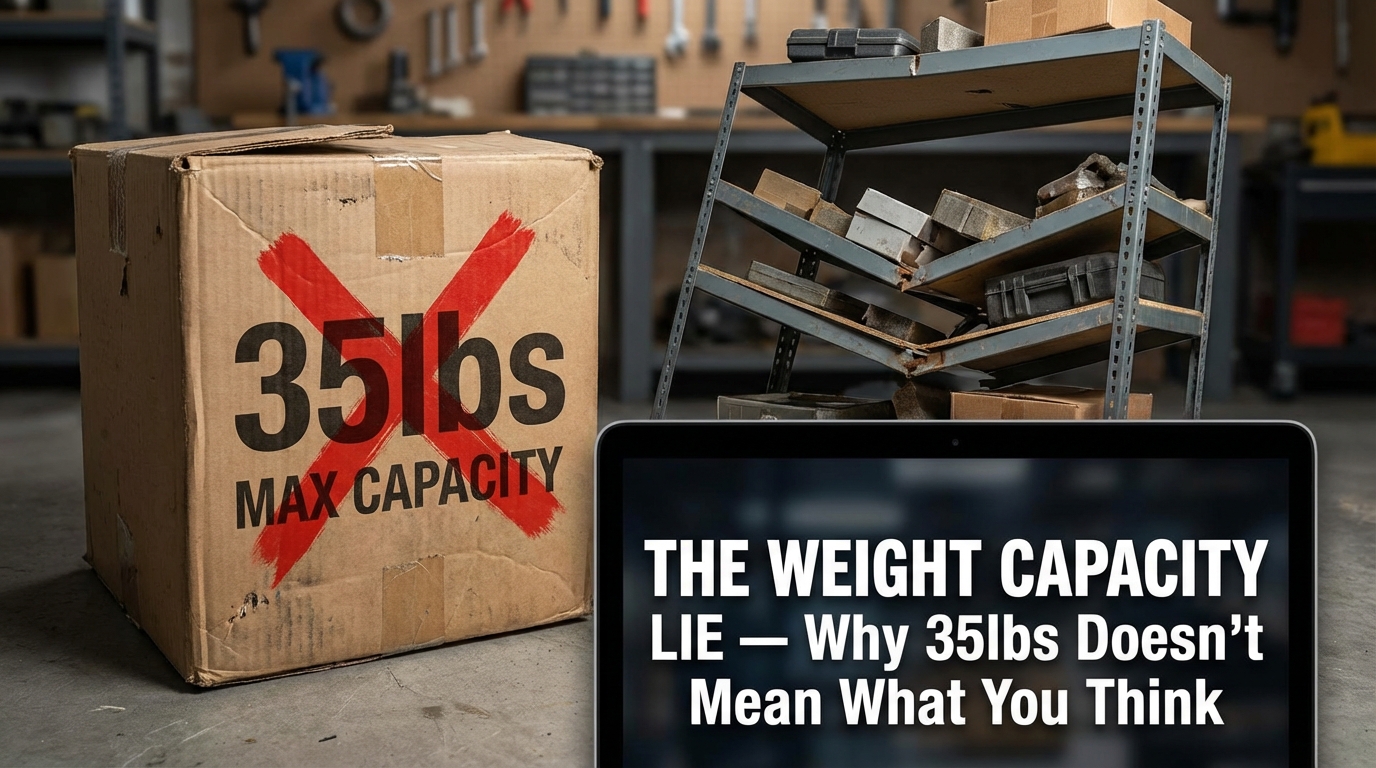

The Weight Capacity Lie — Why 35lbs Doesn't Mean What You Think


They're Lying to You (Or at Least, They're Not Telling the Whole Truth)
Every standing desk converter listing on Amazon proudly claims "35 lb capacity!" in bold letters with an exclamation point, like it's a badge of honor.
Here's what they're not telling you: That 35 lb rating is measured with the platform locked in position, with weight evenly distributed across the center of the surface, in a climate-controlled lab with zero external forces. The moment you start typing, moving your mouse, or leaning on the desk, the effective capacity drops to 25-30 lbs before you hit what we call the "Wobble-of-Death"—the point where monitor movement becomes severe enough to cause eye strain and headaches.
This isn't a conspiracy. It's physics. And manufacturers know most consumers won't test the limits, so they optimize the spec sheet for marketing instead of real-world use.
The Physics of Leverage: Why Your Monitor Is Heavier Than It Weighs
Let's talk about cantilevers and rotational force, because this is where weight capacity numbers fall apart.
The Lever Arm Problem
When you place a monitor on a standing desk converter, you're not just dealing with the monitor's static weight. You're creating a lever system where the monitor is the load, the converter platform is the lever arm, and the base is the fulcrum.
The farther the load is from the fulcrum (i.e., the higher you raise the platform), the more rotational force (torque) it exerts on the base. This is basic physics: Torque = Force × Distance. A 20 lb monitor at 10 inches of height creates 200 lb-in of rotational force. At 15 inches of height, that same monitor creates 300 lb-in of force.
What this means in practice: A converter that holds 35 lbs perfectly stable at minimum height might wobble catastrophically with the same 35 lbs at maximum height. The weight hasn't changed—the leverage has.
The Cantilevered Arm Effect
Most converters use a single-column or dual-column lift mechanism that extends upward from the base. This creates a cantilevered arm—a horizontal beam supported only at one end. Cantilevers are inherently less stable than four-point support systems (like a traditional desk) because all the stress is concentrated at the connection point.
The wobble you experience isn't the weight exceeding capacity—it's the lever arm flexing under dynamic load. When you type, every keystroke sends a small impulse through the platform. When you move your mouse, you're applying lateral force. These forces get amplified by the lever arm length, which is why tall converters wobble more than short ones.
Pro-Tip: If you're tall (6'+) and you need maximum height extension, you need a converter with a wider base and more mass. The Varidesk Pro Plus 36 and Ergotron WorkFit-TL are the only converters we've tested that remain stable at full extension with 30+ lbs of load.
The Kitchen Scale Test: Know Your Real Weight Before You Buy
Don't trust manufacturer specs. Don't trust Amazon reviews. Weigh your setup yourself.
How to Do It:
- Get a kitchen scale that measures up to 50 lbs. (You can buy one for $15-25 on Amazon. This is a worthwhile investment.)
- Weigh your monitor(s). Place the monitor on the scale. If you have dual monitors, weigh each one separately and add the totals. Don't forget the monitor stand/base—that counts as part of the weight.
- Weigh your keyboard. Mechanical keyboards weigh 1.5-3 lbs. Membrane keyboards weigh 0.5-1 lb.
- Weigh your mouse, mouse pad, and any desk accessories (speakers, USB hubs, desk lamps, phone chargers, notebooks, etc.). You'd be surprised how quickly this adds up.
- Add 2-3 lbs of buffer for cables, wrist rests, and items you'll inevitably add later.
- Calculate your total load. This is the number you need to stay under—not the manufacturer's claimed capacity, but the "safe stability limit" from our testing.
Example Calculation:
- 27-inch monitor: 18 lbs
- Mechanical keyboard: 2.5 lbs
- Mouse + mouse pad: 0.5 lbs
- USB hub + cables: 1 lb
- Coffee mug (always full): 1 lb
- Buffer: 2 lbs
Total load: 25 lbs
This setup is safe on converters rated for 30+ lbs "safe stability limit." It would wobble on converters with a 20-25 lb safe limit (like the Vivo DESK-V000B or FlexiSpot M7 at maximum height).
The Dual-Monitor Trap: Why Most Converters Fail
Dual monitors sound reasonable—two 24-inch monitors at 14 lbs each is only 28 lbs total, well under the 35 lb claimed capacity.
But here's the problem: Dual monitors aren't centered over the base. They're spread across the width of the platform, which creates asymmetric loading and increases lateral sway. We've tested converters that handle a single 32-inch monitor (22 lbs) perfectly but wobble severely with dual 24-inch monitors (28 lbs total) because the weight distribution is uneven.
The only converters that handle dual monitors reliably:
- Ergotron WorkFit-TL (37.5-inch work surface, X-lift mechanism, 52 lbs of base weight)
- Varidesk Pro Plus 36 (36-inch work surface, dual gas springs, 48 lbs of base weight)
Everyone else is gambling. The FlexiSpot M7, Fully Jarvis Bamboo, and 3M Precision might work with dual 22-inch monitors, but dual 24-inch monitors push them into wobble territory.
⚠️ WARNING: If you have dual 27-inch monitors, skip converters entirely. You need a full electric standing desk with reinforced legs. The weight (32-36 lbs) and lateral spread will cause catastrophic wobble on every converter we've tested.
The iMac Problem: When Your Monitor IS the Computer
iMacs are beautiful, but they're standing desk nightmares.
27-inch iMac: 20.8 lbs
24-inch iMac (M1): 10.7 lbs
21.5-inch iMac: 12.5 lbs
These weights are manageable—but there's a catch. iMacs have built-in stands that aren't removable, which means the weight is distributed over a larger footprint and the center of gravity is higher than a traditional monitor. This amplifies wobble.
If you have a heavy iMac or dual-screen setup, you need to stick to the specific models we've verified in our guide to the best standing desk converter. The Ergotron WorkFit-TL is the only converter we trust with a 27-inch iMac at full height extension. The Varidesk Pro Plus 36 works but shows minor wobble (1.5-1.8mm) at maximum height.
Pro-Tip: If you're an iMac user, consider a VESA-mount adapter (available for $40-80 depending on iMac generation) to reduce the footprint and lower the center of gravity. This improves stability on converters by 15-20%.
Z-Frame vs. X-Frame vs. Single-Column: The Mechanism Stability Breakdown
Not all lift mechanisms are created equal. Here's how they perform under real-world load.
Single-Column Gas Spring (Most Common)
Examples: FlexiSpot M7, Fully Jarvis Bamboo, Vivo DESK-V000B
How it works: A single gas spring cylinder lifts the platform vertically. Height adjustment is smooth and fast (2-3 seconds).
Stability characteristics: Moderate to poor. Single-column designs concentrate all the stress on one pivot point, which allows rotational wobble. The gas spring is constantly fighting gravity, which causes drift over time (0.5-2 inches per year depending on spring quality).
Best for: Single monitors under 24 inches, light loads (under 20 lbs)
Avoid if: You have dual monitors, heavy monitors (27"+), or you type aggressively
The Real Talk: This is the cheapest mechanism to manufacture, which is why budget converters use it. It works for light loads, but it's the first to fail under stress.
Dual-Column Gas Spring
Examples: Varidesk Pro Plus 36
How it works: Two gas spring cylinders lift the platform in parallel. Height adjustment requires two-handed operation (you squeeze a lever while lifting).
Stability characteristics: Good. Dual columns distribute stress across two pivot points, which reduces rotational wobble. The dual springs provide redundancy—if one spring weakens, the other compensates.
Best for: Single monitors up to 32 inches, dual monitors up to 24 inches, heavy loads (up to 30 lbs)
Avoid if: You need ultra-fast adjustment (this is manual and deliberate, not quick-release)
Pro-Tip: The Varidesk Pro Plus uses spring-assist, not pure gas springs. You provide most of the lifting force, which reduces wear on the mechanism and eliminates drift. This is why it's more stable long-term than pure gas spring systems.
X-Frame Mechanism
Examples: Ergotron WorkFit-TL
How it works: Opposing scissors arms pivot at multiple points to lift the platform. A squeeze-paddle releases the lock, and you manually lift or lower the surface.
Stability characteristics: Excellent. X-frame mechanisms are rigid—there's no compression/expansion happening, just geometric transformation. This eliminates wobble from mechanism flex.
Best for: Dual monitors, heavy loads (up to 35 lbs), users who prioritize stability over ease of adjustment
Avoid if: You have limited upper body strength (X-frame adjustment requires more force than gas springs)
The Real Talk: This is the most stable mechanism we've tested, but it's also the heaviest and most expensive. Ergotron's X-frame design is patented, which is why nobody else uses it.
Z-Frame Mechanism (Rare)
Examples: Some Herman Miller and Steelcase converters (commercial-grade, not consumer)
How it works: A Z-shaped linkage lifts the platform vertically. Adjustment is typically electric or crank-operated.
Stability characteristics: Excellent. Z-frame designs distribute load across three pivot points, which provides exceptional rigidity.
Best for: Commercial environments, heavy loads (40+ lbs), users who need maximum stability
Avoid if: You're on a consumer budget (Z-frame converters start at $800+)
The Real Talk: Z-frames are overkill for home use, but if you're in a corporate environment with a budget to burn, it's the most stable option available.
The L4/L5 Spinal Pressure Reality Check
Let's talk about why you're here: your back hurts.
The L4/L5 vertebrae (lower lumbar spine) bear the most stress when you're sitting. Prolonged sitting increases intradiscal pressure by 40-90% compared to standing, which compresses the discs and irritates nerve roots. This is why sitting for 8 hours straight causes lower back pain, sciatica, and degenerative disc issues over time.
Standing reduces L4/L5 pressure by 25-30%, but only if you're standing with correct posture. If your monitor is too low and you're hunching forward, you're just trading lower back pain for upper back and neck pain.
The converter's job isn't just to lift your workspace—it's to position your monitor at eye level so your spine stays neutral. This is where cheap converters fail catastrophically. They wobble, they drift downward over time, and they don't provide enough height range for tall users.
⚠️ WARNING: If you buy a converter that wobbles or doesn't reach proper monitor height for your body, you're not fixing ergonomics—you're creating new problems. Invest in stability and proper height range, or don't bother.
The Gas-Strut Tension Adjustment (That Nobody Explains)
Most gas spring converters have a tension adjustment knob buried somewhere on the mechanism. Manufacturers don't explain this in the manual (or they bury it on page 47 in 6-point font), but it's critical for long-term stability.
How It Works:
The tension knob controls how much force the gas spring provides. If the tension is too low, the platform drifts downward over time. If the tension is too high, height adjustment becomes difficult (you're fighting the spring force).
When to Adjust:
- If the platform drifts downward over hours/days: Increase tension (turn the knob clockwise)
- If height adjustment is stiff/difficult: Decrease tension (turn the knob counter-clockwise)
- If wobble increases over time: Check if the platform has drifted; adjust tension to restore stability
Pro-Tip: We recommend checking tension every 3-6 months as part of routine maintenance. Gas springs lose pressure slowly over time (it's normal wear), and periodic adjustment keeps performance consistent.
The Truth About 35 lbs: What You Can Actually Use
Based on our testing, here's the real-world capacity breakdown:
Converters claiming 35 lbs capacity:
- Safe stability limit at minimum height: 30-32 lbs (minimal wobble)
- Safe stability limit at mid-range height: 25-28 lbs (tolerable wobble)
- Safe stability limit at maximum height: 20-25 lbs (wobble becomes noticeable but usable)
Converters claiming 40 lbs capacity (Ergotron WorkFit-TL):
- Safe stability limit at minimum height: 35-37 lbs
- Safe stability limit at mid-range height: 32-35 lbs
- Safe stability limit at maximum height: 28-32 lbs
The pattern: Subtract 5-10 lbs from claimed capacity to find the real-world safe limit, and subtract an additional 5 lbs if you'll be using the converter at maximum height.
Don't gamble with borderline weights. If your setup weighs 28 lbs and the converter's safe limit is 30 lbs, you're asking for trouble. Build in a 5 lb buffer minimum.
Bottom Line: Weigh Your Setup, Buy for Your Reality
Stop trusting manufacturer claims. Stop assuming "35 lbs capacity" means you can safely use 35 lbs.
Do the kitchen scale test. Know your real weight. Add a 20% buffer for future additions (because you will add things—everyone does). Then buy a converter rated for that adjusted weight with proven stability at your required height range.
(And if your setup is over 30 lbs, seriously consider a full standing desk instead. Converters are fighting physics at that weight, and physics always wins.)
Disclaimer:
We promote and review products available on the AliExpress marketplace. Some of the links we share may be affiliate links, which means we may earn a commission if you make a purchase through them—at no additional cost to you. Our reviews and recommendations are based on our own opinions and are intended to help you make informed purchasing decisions. We are not directly affiliated with or responsible for the products, sellers, or services on AliExpress. Please review product details and seller information carefully before making any purchase.